
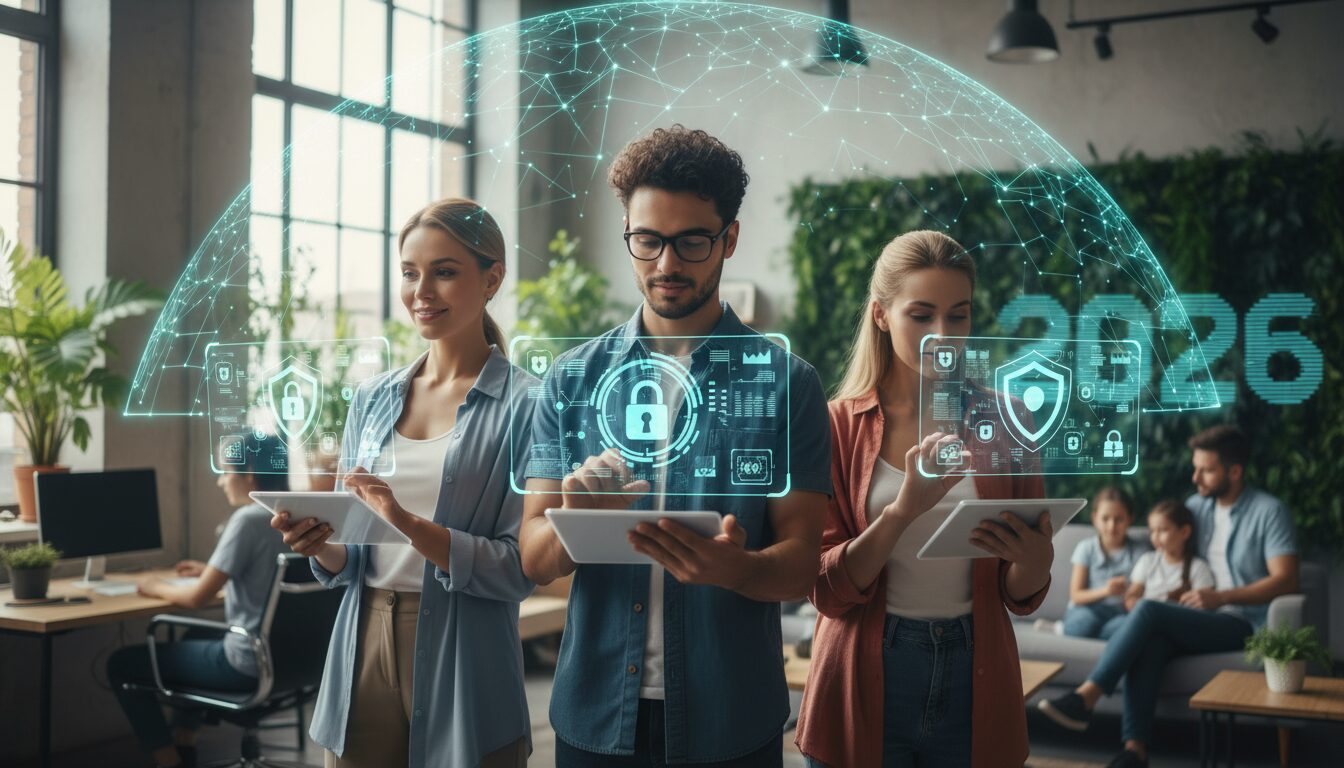
This comprehensive cybersecurity guide for 2026 emphasizes that effective protection requires layered defense strategies including strong password management, multi-factor authentication, regular software updates, and phishing awareness. The article provides tailored cybersecurity tips for different groups including employees, remote workers, students, small business owners, families, and freelancers. Implementing these fundamental security practices can reduce cyberattack risk by up to 85%, with password managers, MFA, and timely updates being the most critical protections against common threats.
Table of Contents
- What are the most important cybersecurity tips everyone should follow?
- How to create and manage strong passwords effectively
- Why multi-factor authentication is non-negotiable
- When and how to update software and systems
- What cyber security tips should employees follow at work?
- How to identify and avoid phishing emails
- Best practices for using company devices and networks
- How can remote workers and hybrid teams stay secure?
- Securing home Wi-Fi networks for work use
- VPN usage and cloud security for distributed teams
- What cybersecurity awareness tips do students need?
- Social media privacy settings and digital footprint management
- Safe online research and academic resource usage
- How can small business owners protect themselves without IT departments?
- Budget-friendly security tools and automated solutions
- Employee training and security policy basics
- What cybersecurity tips help protect families and seniors online?
- Parental controls and children’s online safety measures
- Senior-friendly security practices for online banking and shopping
- How should freelancers and gig workers secure their digital business?
- Client data protection and secure file sharing
- Mobile device security for on-the-go work
Effective cybersecurity requires layered protection combining strong authentication, regular updates, security awareness, and tailored practices for your specific digital environment. Whether you’re an employee, student, remote worker, or protecting your family online, implementing fundamental security practices reduces your risk of cyberattacks by up to 85% according to current threat intelligence data.
Quick Reference – Essential Cybersecurity Foundation:
– Use unique, complex passwords with a password manager
– Enable multi-factor authentication on all accounts
– Keep software and systems updated automatically
– Verify email senders before clicking links or attachments
– Secure your home Wi-Fi with WPA3 encryption
– Regular security training and awareness updates
– Backup critical data using the 3-2-1 rule
What are the most important cybersecurity tips everyone should follow?
The most critical cybersecurity best practices for individuals include strong password management, multi-factor authentication, timely software updates, and phishing awareness. These four foundational elements form the core defense against 90% of common cyber threats, according to the Cybersecurity and Infrastructure Security Agency’s 2026 threat assessment.
Current data shows that password-related breaches account for 81% of successful cyberattacks, while unpatched software vulnerabilities enable 76% of malware infections. Implementing these fundamental practices creates multiple security layers that significantly reduce your attack surface.
How to create and manage strong passwords effectively
- Generate unique passwords for every account using at least 12 characters with mixed case letters, numbers, and symbols
- Avoid personal information like names, birthdays, or common words that appear in dictionary attacks
- Use a reputable password manager to generate and store complex passwords securely
- Enable automatic password generation for new accounts to ensure maximum entropy
- Regularly audit stored passwords to identify and update weak or reused credentials
- Set up security alerts to monitor for compromised passwords in known data breaches
Password manager adoption has reached 34% among internet users as of 2026, with managed passwords showing 95% effectiveness in preventing credential-based attacks compared to user-generated passwords. Consider using free password management apps if budget is a concern, as many offer robust security features without subscription fees.
Why multi-factor authentication is non-negotiable
Multi-factor authentication (MFA) prevents 99.9% of automated attacks and significantly raises the barrier for sophisticated threat actors. Modern MFA implementation goes beyond simple SMS codes to include app-based authentication, biometric verification, and hardware security keys.
The most effective MFA methods in 2026 include authenticator apps, push notifications through verified devices, and FIDO2 security keys for high-value accounts. Avoid SMS-based authentication when possible, as SIM swapping attacks have increased by 48% since 2025.
When and how to update software and systems
Enable automatic updates for operating systems, browsers, and critical applications to ensure timely security patches.
Software vendors typically release security patches within 72 hours of discovering critical vulnerabilities. Configure automatic updates for essential systems while scheduling manual reviews for business-critical applications that require testing before deployment. Zero-day exploits often target unpatched systems within days of public vulnerability disclosure.
What cyber security tips should employees follow at work?
Workplace cybersecurity requires heightened vigilance due to the high value of corporate data and the sophisticated nature of targeted business attacks.
Employees represent both the strongest defense and the most vulnerable attack vector for organizations. Business email compromise (BEC) attacks targeting employees increased 65% in 2026, with average financial losses exceeding $2.4 million per successful breach.
How to identify and avoid phishing emails
Verify sender authenticity by checking email headers, examining URLs before clicking, and confirming requests through secondary communication channels.
Phishing attempts have become increasingly sophisticated, with AI-generated emails passing traditional spam filters 73% more frequently than previous years. Look for subtle domain misspellings, urgent language designed to bypass critical thinking, and requests for sensitive information that bypass normal company procedures.
Best practices for using company devices and networks
Maintain clear separation between personal and professional activities on company-managed devices while following organizational security policies.
Install only approved software through company-managed app stores or IT departments. Use company devices exclusively for work-related activities and avoid connecting unauthorized peripherals that could introduce malware or data exfiltration risks.
How can remote workers and hybrid teams stay secure?
Remote work environments require additional security controls due to reduced IT oversight and increased reliance on home networks and personal devices.
Remote worker security incidents increased 42% in 2026, primarily due to unsecured home networks and inadequate endpoint protection. Distributed teams face unique challenges including shared device usage, variable network security, and limited access to IT support.
Securing home Wi-Fi networks for work use
Configure WPA3 encryption, change default router passwords, and separate work devices using guest networks or VLANs.
For comprehensive guidance on securing your home network infrastructure, including router configuration and device isolation techniques, refer to our detailed home network security guide. This includes specific recommendations for mesh network security and IoT device management that are crucial for remote work environments.
VPN usage and cloud security for distributed teams
Always connect through company-approved VPN services when accessing corporate resources and verify cloud service security configurations.
Use VPN connections for all work-related internet traffic, not just corporate resource access. Many successful attacks target remote workers through unsecured local network traffic interception. Verify that cloud storage and collaboration tools meet your organization’s security requirements and enable all available security features.
What cybersecurity awareness tips do students need?
Students face unique cybersecurity challenges including social engineering through academic platforms, financial targeting, and long-term digital identity risks.
Student-targeted cyberattacks focus on financial aid fraud, identity theft for credit applications, and academic credential manipulation. Students often lack cybersecurity awareness training while maintaining extensive digital footprints across social media and academic platforms.
Social media privacy settings and digital footprint management
Configure restrictive privacy settings on all social media accounts and regularly audit posted content for potential personal information disclosure.
Review and update privacy settings quarterly, as platforms frequently change default configurations. Limit personal information sharing that could enable social engineering attacks, including location data, relationship details, and academic schedules that could facilitate physical or digital targeting.
Safe online research and academic resource usage
Use institutional library resources and verified academic databases while avoiding suspicious websites that may contain malware or fraudulent content.
Many students encounter malware through illegitimate academic resource websites or file-sharing platforms. Stick to institutional subscriptions and verified academic databases. When using external sources, scan downloaded files with updated antivirus software and avoid executable files disguised as documents.
How can small business owners protect themselves without IT departments?
Small businesses need cost-effective, automated security solutions that require minimal technical expertise while providing enterprise-level protection.
Small businesses experience cyberattacks at rates comparable to large enterprises but typically lack dedicated security resources. 68% of small business cyberattacks succeed due to inadequate security controls and limited incident response capabilities.
Budget-friendly security tools and automated solutions
Implement cloud-based security services with automated threat detection, managed endpoint protection, and integrated backup solutions.
Prioritize solutions that offer comprehensive protection through single platforms rather than multiple point solutions. Cloud-based security services provide enterprise-level protection at small business prices while reducing management overhead. Many free security and productivity apps offer robust features suitable for small business environments, including secure file sharing and basic threat protection.
Employee training and security policy basics
Establish simple, clear security policies and provide regular, practical cybersecurity training focused on common threats and response procedures.
Develop security policies that employees can easily understand and follow without extensive technical knowledge. Focus training on phishing recognition, password management, and incident reporting procedures. Regular short training sessions prove more effective than annual comprehensive courses.
What cybersecurity tips help protect families and seniors online?
Family cybersecurity requires age-appropriate controls, financial fraud protection, and simplified security practices that accommodate varying technical skill levels.
Family-targeted attacks often focus on financial fraud, child exploitation, and senior citizen scams. Multi-generational households face unique challenges in implementing consistent security practices across different age groups and technical comfort levels.
Parental controls and children’s online safety measures
Implement network-level content filtering, configure device-specific parental controls, and maintain ongoing conversations about online safety and digital citizenship.
Combine technical controls with education to create comprehensive child protection. Network-level filtering provides consistent protection across all devices while device-specific controls offer granular management. Regular discussions about online interactions, cyberbullying, and stranger danger remain crucial components of child online safety.
Senior-friendly security practices for online banking and shopping
Use dedicated devices or browsers for financial transactions, verify website authenticity through independent sources, and establish verification procedures for unsolicited contact.
Seniors face targeted financial fraud attempts that exploit trust and limited technical knowledge. Create simple verification routines for online transactions and establish family communication protocols for suspicious contact. Consider using dedicated security-focused devices for financial activities to reduce cross-contamination risks from general web browsing.
How should freelancers and gig workers secure their digital business?
Freelancers need professional-grade security practices to protect client data and business operations while maintaining flexibility and cost-effectiveness.
Freelancers and gig workers face unique security challenges including client data protection requirements, multiple platform security management, and business continuity concerns. Professional liability for data breaches increasingly extends to independent contractors and small service providers.
Client data protection and secure file sharing
Use encrypted file sharing services, implement client-specific access controls, and maintain audit trails for all data handling activities.
Establish secure communication channels with clients and use professional file sharing services that offer encryption and access logging. Avoid using consumer-grade services for client work and implement data retention policies that minimize unnecessary data storage. Modern AI productivity tools often include built-in security features for client collaboration while maintaining professional workflows.
Mobile device security for on-the-go work
Enable device encryption, use mobile device management (MDM) solutions, and maintain separate profiles for business and personal activities.
Mobile work environments introduce unique risks including device theft, unsecured Wi-Fi usage, and app-based data leakage. Use business-grade mobile security solutions and avoid mixing personal and professional data on the same device profiles. Consider dedicated business devices for high-value client work.